Flow timing: waits, windows and business days
Last updated 1 August 2026
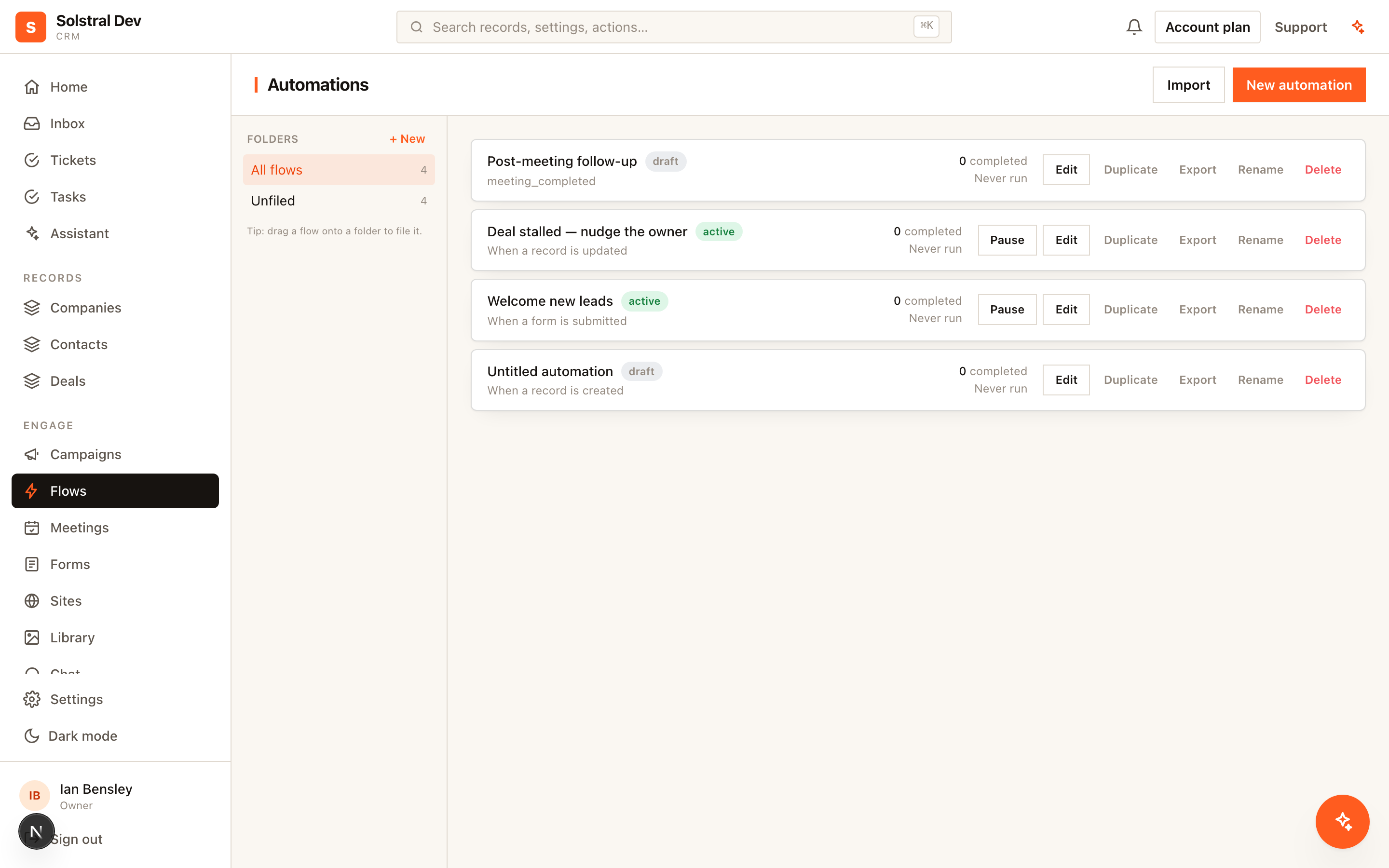
Most automations fail not because the logic is wrong but because the timing is. These are the controls Solstral gives you, and when each one is the right choice.
Fixed waits
Pause for a number of hours or days. The simplest option and the right default for "follow up in three days". A record sitting in a wait is parked, not processing — it resumes exactly when the wait expires.
Business-day waits
The same thing, but weekends do not count. A two-business-day wait starting on Thursday resumes on Monday rather than Saturday.
Use this whenever the wait represents someone being expected to do something. "Chase if they have not replied in two days" means two working days; counting the weekend means chasing people who never had a chance to respond.
Wait until a date on the record
Rather than a fixed duration, wait until a date stored on the record itself — a renewal date, a meeting date, a contract end. Combined with an offset, this expresses things like "seven days before the renewal date" directly, instead of you calculating a duration that goes stale the moment the date changes.
Execution windows
A window restricts when actions may run — for example 9am to 5pm on weekdays. A step that comes due outside the window holds until the window reopens.
This is what stops a well-meaning automation emailing your customers at 3am because that is when the wait happened to expire. Windows apply to the steps that follow them, so a single flow can notify your team instantly at any hour while holding the customer-facing email until business hours.
Combining them
The controls stack, and the usual shape of a good flow uses several: an immediate internal notification, then a business-day wait, then a customer email inside an execution window. Each step gets the timing appropriate to its audience rather than the whole flow running on one clock.
A note on goals
Timing decides when a step runs; a goal decides whether it should run at all. If a record achieves the flow's goal while parked in a wait, it exits and the remaining steps never fire. Set a goal on any flow whose purpose is to prompt an action — see Build your first flow.
Pausing a flow
Pausing stops anyone new entering the flow. People already in it hold where they are: someone whose wait ends while the flow is paused waits a little longer, and carries on from the same step when you resume. Nobody is dropped. If you publish a change while people are waiting and remove the step someone is parked on, their run ends there and the run log says why.
Loops
A For each step runs its loop branch once per item, up to 50. Steps on its After loop path wait until every item has finished, or 24 hours if some are still going, so a summary sent after the loop really comes after it.
A wait at the very end
A flow can finish on a wait, for example to keep someone from re-entering for a few days. When that wait is over the run simply ends.