Senders and who may use them
Last updated 1 August 2026
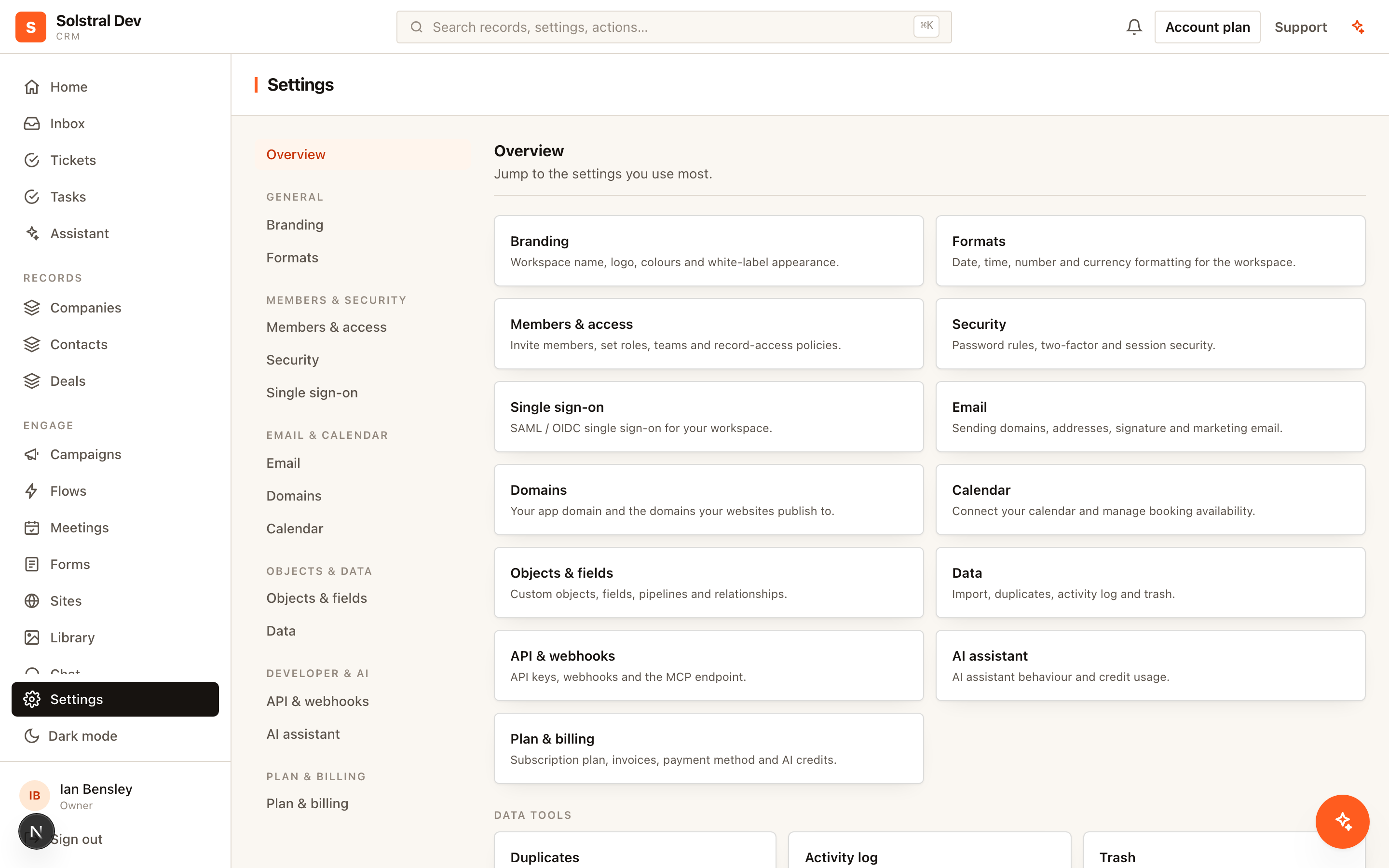
A sender is a From identity on a verified domain — the name and address a recipient sees. A workspace can have as many as it needs, and one is marked the workspace default.
The two kinds of sender
Shared senders are role addresses such as sales@ or support@. An admin creates them and decides who may send from them: everyone in the workspace, or a named list of members.
Personal senders are one person's own address, such as amelia@. They belong to that person. Even when an admin creates one on someone's behalf, the address owner must click a confirmation link before it becomes active — nobody can be silently configured to send as somebody else.
The permission rule
One rule governs every send, and it is enforced on the server for every message regardless of what the interface offered:
- Viewers never send email.
- Owners and admins may send from any active sender.
- Members may send from their own personal sender, and from shared senders they have been granted.
- Senders that are pending or suspended never send, whoever is asking.
Because the check happens server-side, the From address on an outgoing message is always re-resolved against these rules — the browser cannot talk the platform into sending as an address the user is not entitled to.
1. Add a shared sender
In Settings → Email, add a sender on a verified domain, give it a display name, and choose whether to grant it to all members or to specific people.
2. Let members add their own
Turn on the self-verification workspace setting and members can add their own personal address without an admin. Solstral emails a confirmation link to that address; clicking it activates the sender. The link is valid for 24 hours, and only the hash of its token is ever stored, so the link cannot be recovered from the database.
3. Choose a From address when composing
The email composer shows a From picker listing only the senders you are actually allowed to use, defaulting to the workspace default. Campaigns work the same way and can rotate across a pool of senders.
Turning self-verification back off
If you disable the setting later, you are asked what to do with the personal senders members already verified: keep them, suspend them, or disconnect them. Suspending is reversible — re-enabling the setting reactivates exactly the senders that were suspended by the change, and nothing else.