Set up a pipeline
Last updated 6 September 2026
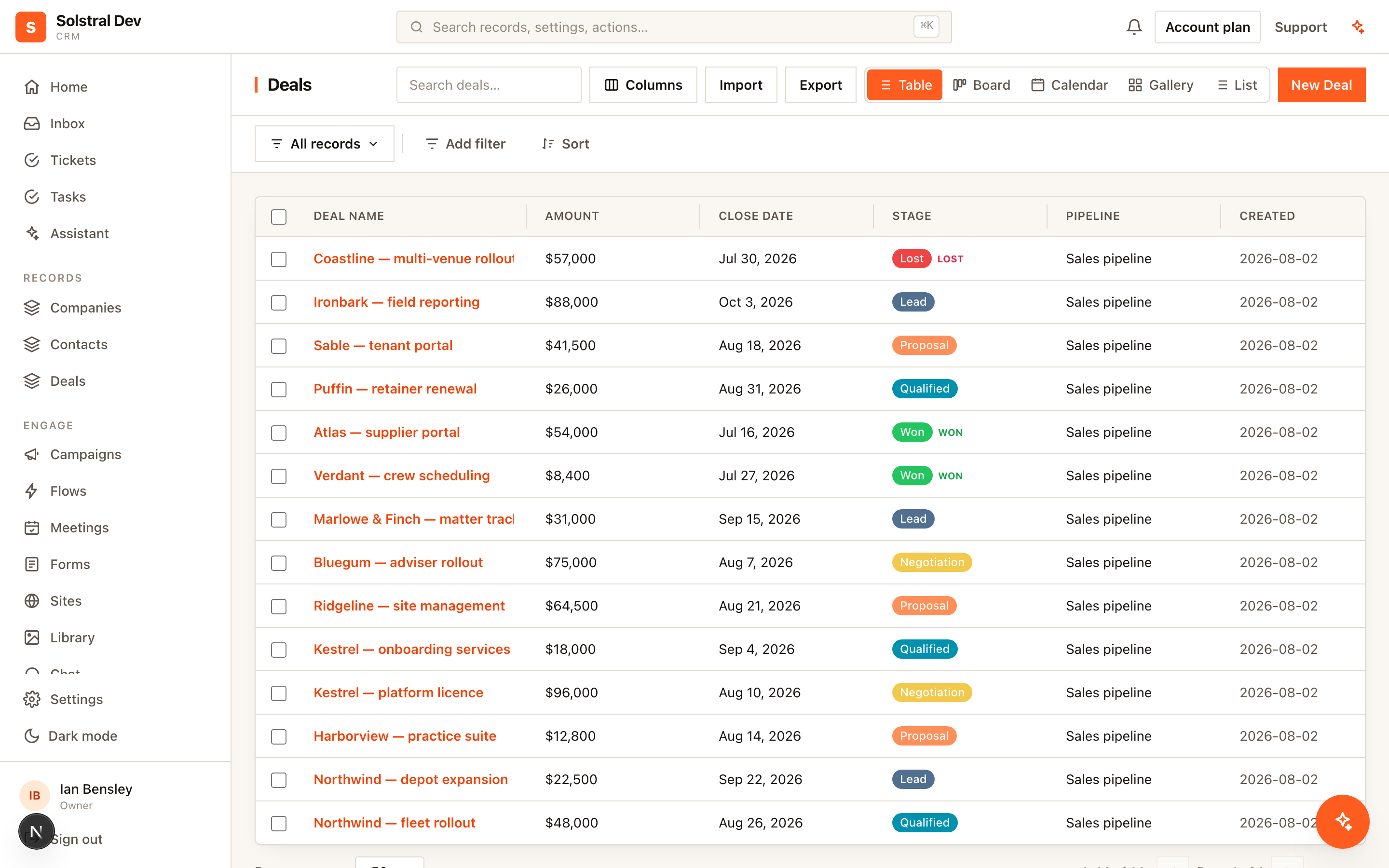
A pipeline is a board with a column for each stage. Drag a card along as things move; click one to open it. Setting one up takes about a minute, and it asks you one question worth thinking about for a moment.
What goes on the board?
Open Opportunities → New pipeline and pick one of two:
- Move the records I already have along the board. Each card is one of your contacts, or your clients, or whatever you call them. This is the simplest setup and it suits most follow-up — one person, one journey, one place they’ve got to.
- Start something new for them. Each card is something you create — a deal, a job, an application, a booking — joined to the record it’s for. Pick this when one person can have a few on the go at once, or when you want to add up what they’re worth.
You name the new thing yourself. Solstral doesn’t assume you sell deals to contacts — if you run programmes for athletes or matters for clients, use those words and every screen will follow them.
Choosing what to note down
If you’re creating something new, you’ll be offered three things to track on it: value (what it’s worth), close date (when you expect it to land) and owner (who’s looking after it). All three are ticked, because they’re right nearly every time — untick anything you don’t want, and add your own with Add something else.
You can also say who each one is for. Pick as many as you like — a deal that belongs to both a person and their company is normal. Their record then shows a list of these back, so everything open for one of them sits in one place.
None of this is final. Adding more later is a two-minute job.
Stages
Start from one of the ready-made sets — Sales, Onboarding, Support or Recruiting — and change it to match how you actually work. Each stage has four things:
- A colour, which is the column’s stripe on the board.
- A name. Drag the handle on the left to reorder them.
- Won, Lost or Open. Marking the stages that mean you’ve won or lost is how your win rate gets worked out, and almost nobody goes back and sets it later.
- Win % on the open stages — your rough chance of winning once something reaches that point. Your forecast is every card’s value multiplied by its stage’s percentage, so this is the number it’s built from.
Adding to the board
+ Add at the top right of the board creates one and drops it in the first column; drag it where it belongs. It’s the same form you get everywhere else, so it asks for the name, anything that’s required, and the first handful of details — the rest is under More fields if you want it. Create takes you straight to what you just made, and the back link brings you to the board you came from.
Finding things on a big board
The search box next to Add narrows the board as you type, and the filter bar underneath is the same one on your record lists — owner, value, close date, anything else you track. Filter to one person’s deals over 10k this quarter and the board redraws around them; the count above says how many are showing so a filter left on from last week never reads as missing records.
Views you save here belong to the board, not to the record list — they are separate sets. A board and a list over the same records are asking different questions, and “stuck in proposal, mine, over 10k” has no business appearing in the list’s view menu next to “everything closed last quarter, sorted by value”. Boards over the same record type do share theirs, since they filter the same fields.
Saved views are shared with everyone in your workspace, here and on your record lists — name one and your colleagues have it too. When you save one you can narrow it to a single team instead, and then only that team (and admins) will see it.
Closing the last filter chip takes you back to All records. While anything is still applied the view keeps its name with a dot beside it, meaning “changed since you saved it”; with nothing applied there is nothing left of the view to be changed, so it stops claiming to be one.
The board you were last looking at is the one you come back to, and that is remembered for you rather than for the workspace — two people can live on different boards without moving each other around. A link with a pipeline in it always wins over what you were last on, so a board somebody sends you opens where they meant.
Everything about a board is behind one button
Edit pipeline, at the top of the board, opens one dialog with four tabs: Details (its name), Stages, Cards and Delete. Name, stages and cards save together — a dot appears on any tab you have changed — so setting a board up is one sitting rather than three trips through a menu. Delete has its own button and is never part of Save.
Renaming a board
On the Details tab. Worth knowing before you do it: a pipeline’s name is the name of the stage field on each record, because they were never two things. Rename it here and it renames there — and nothing breaks, because your filters, flows and reports follow the field rather than its label.
What each card shows
A card starts as just a name. The Cards tab puts up to five more fields on it.
The order matters and you drag it: the first field is the subtitle — one line under the name, full size, no label — and the rest read as small labelled lines below it. So value first gives you a board about amounts; the company first gives you a board about who each one is for, from the same five fields. Empty fields are left off rather than showing a dash, and everything is formatted exactly as it is on the record.
Five is the limit on purpose. Past that a card stops being something you can glance at and becomes a table row with rounded corners, and the columns below it get pushed off the screen.
This is a setting for the board, not for you — everyone in your workspace sees the same cards. Each board on the same records gets its own choice, so a sales board and an onboarding board over the same deals can show different things.
Changing your stages later
Open Edit pipeline → Stages from the board. Renaming a stage moves everything in it across, along with its history, so your reports don’t suddenly show one stage as two. Colour, won/lost and Win % follow a rename too.
Removing a stage doesn’t delete anything. Anything still in it sits under None on the board until you move it, and you’re told before you save.
Deleting a board
Open Edit pipeline → Delete. It tells you what the board actually is — the Stage field on your deals, say — and then two lists: what goes, and what stays.
What goes is the stage field itself, the stage each record was at, and the history of how they moved — so time-in-stage and funnel reports over this board stop being available. It says the numbers out loud first, and asks you to type the board’s name.
What stays is your records. Every one of them, with every other field and everything on their timelines, and every link between them and your other records. Deleting a board removes a way of looking at things, not the things.
That is deliberate, and it is the part worth knowing before you press it. If a record type only ever existed to carry this board and you want it gone as well, that is a second job in Settings → Objects & fields — which names how many records go with it and asks you to type its name. We keep the two apart because we cannot tell from the outside which record types were made for a board and which were made for their own sake, and deleting a few hundred records on a guess is not a thing to be casual about.
If an active flow reads the stage field, the delete is refused and names the flow. Pause or edit it first — a flow whose field has gone stops firing silently, which is worse than it failing.
Your stages aren’t stuck on this screen
The stage a card is at shows on the record itself, and you can use it everywhere else too: filter and save views by it, start a flow when something reaches Won, report on it, ask for it on a form, set it during an import, or read it through the API. There’s nothing to switch on — it’s the same stage either way.
It also means one set of records can have more than one board. A sales board and an onboarding board over the same things is a normal thing to want.
Telling your boards apart
Each board in the picker carries a small icon: a link for one with its own record type joined back to people, and a dropdown for a stage field sitting on records you already had. That’s the difference between the two answers to the first question on this page, months later, when you’re trying to remember which is which.
Open the picker and each board also has a quiet second line saying it in words — Deals, linked to Contacts, or A stage on each of your contacts. The icon is there so you can scan; the line is there when you want to be sure.