Link a conversation to the right CRM record
Last updated 4 August 2026
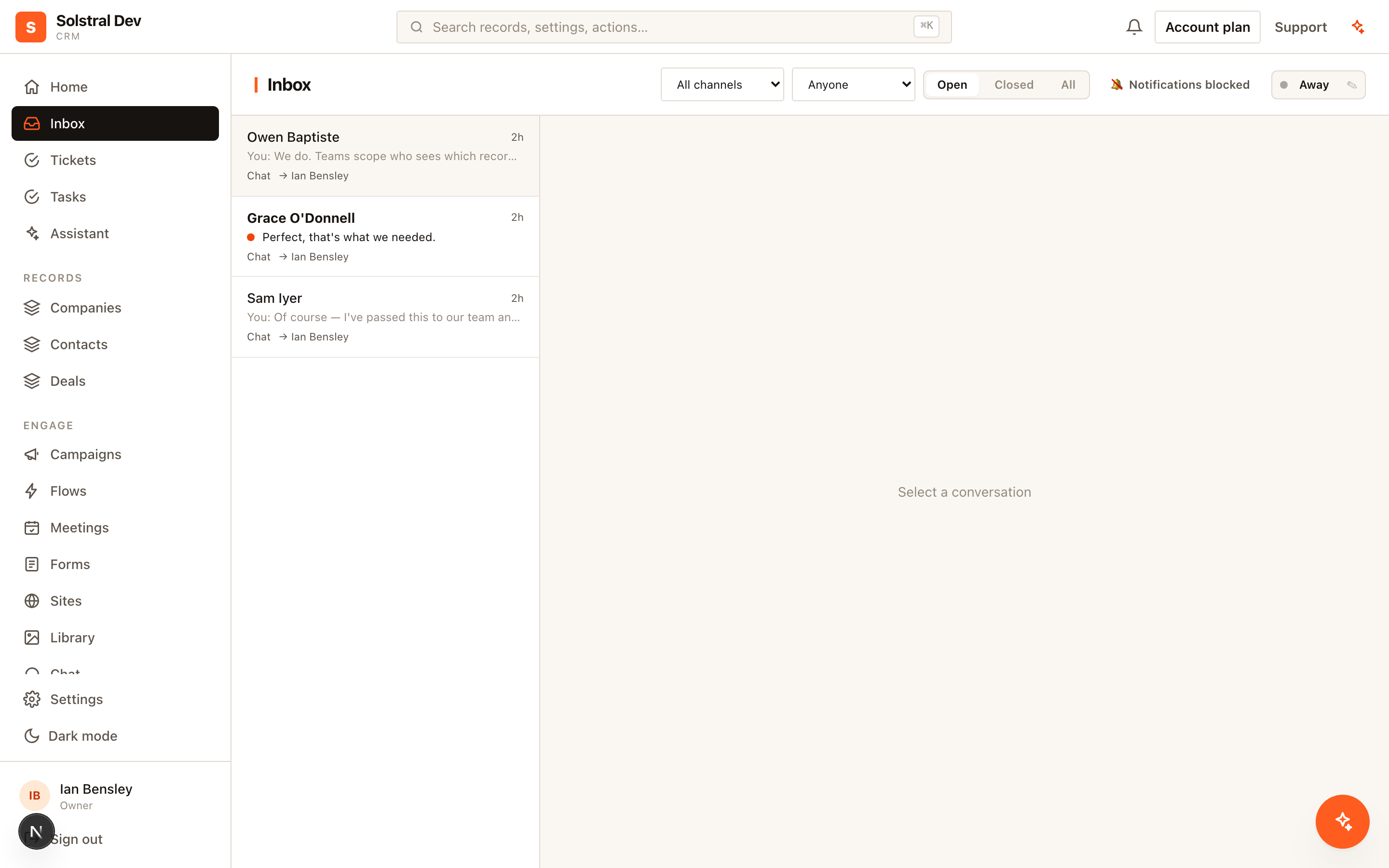
Most conversations recognise themselves: an email from an address already on a contact record links to that contact automatically, and the panel on the right shows who they are. This guide is about the ones that don't.
When nobody matches
If the sender isn't in your CRM, the right-hand panel says so and offers you two ways forward rather than leaving you stuck.
Suggested matches
Solstral looks across every object — contacts, companies, deals and any custom objects you've built — for records that plausibly belong to this person, and shows each one with the reason it matched, so you can judge it rather than trust it blindly:
- Same email address — an exact match. This is an identity: an address belongs to one person.
- Same mailbox, ignoring +tags and dots —
jane.smith+crm@acme.comandjanesmith@acme.comare the same inbox at providers that support those forms. - Owns the sender's domain — the sender writes from
@acme.comand a company record ownsacme.com. This suggests the organisation, never the person. - Same name or similar name — useful, but ranked below anything address-based, because names are not unique.
Click Link this record on the one you want. From then on the conversation appears on that record's timeline.
Or create the record
Beneath the suggestions, Solstral offers to create and link a record pre-filled from the sender — a contact named from their display name (or tidied up from their address, so jane.smith@acme.com becomes "Jane Smith"), and, when they write from a business domain, a company named from that domain. Creating from here fills in the email address too, so the next message from them matches automatically.
Why a shared Gmail is never a match
Domain matching is deliberately switched off for consumer mail providers — Gmail, Outlook, Yahoo, iCloud and the rest. Two customers who both use Gmail have nothing in common, and treating that as a shared employer would flood the panel with irrelevant suggestions and, worse, invite you to link the wrong person. The same rule protects duplicate detection; see Find and merge duplicates.
Linking to more than one record
A conversation isn't limited to one link. Use Look up / create to attach the company as well as the contact, or the deal it relates to — each linked record shows the conversation on its timeline. Remove a link with the ✕ beside it; the history stays, only the live link goes.