Feature reference — generated from the product
Tickets & helpdesk
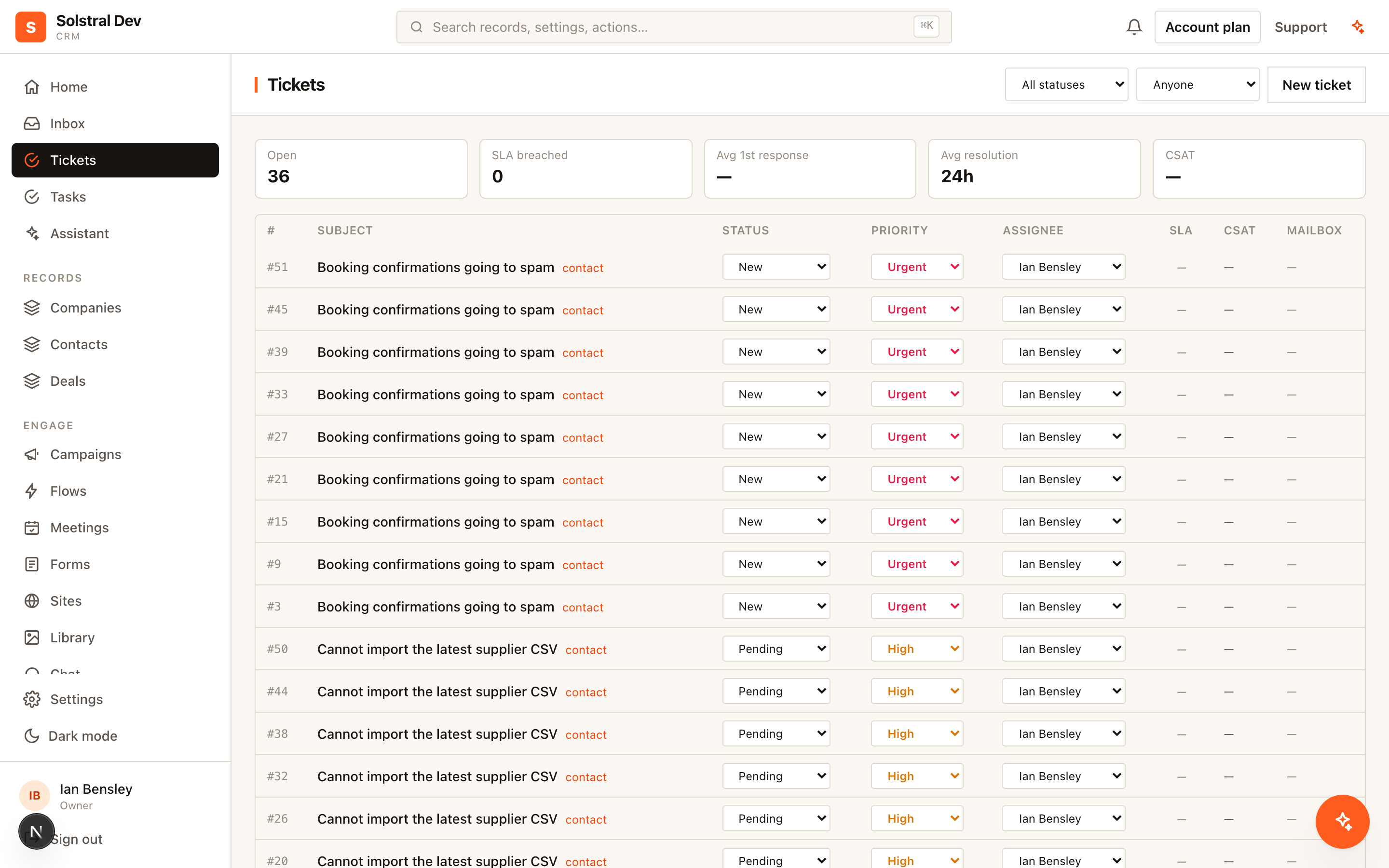
Turn a conversation into a numbered ticket with a status, a priority, an owner and a response clock — reported on alongside your pipeline, because it is the same customer.
What you get
- A clock on every promise — Two targets per priority — first reply and resolution — counted in your business hours, paused while you wait on the customer, with due-soon warnings and breach alerts that reach the owner and the mailbox managers.
- Support and sales share a customer — A ticket links to the contact or company record and shows on its timeline, so the account team sees open issues without asking, and support sees the deal without guessing.
- Close the loop — Solved tickets email the customer a one-click satisfaction survey, and low scores come straight back to the team.
Capabilities at a glance
- Per-workspace sequential ticket numbers
- Statuses: new, open, pending, on hold, solved and closed
- Priorities: low, normal, high and urgent
- Assignment to a team member, with mailbox scoping
- First-reply and resolution targets per priority, counted in business hours
- The clock pauses while a ticket is pending (and optionally on hold)
- Due-soon warnings and breach alerts to the owner, mailbox managers and an escalation list
- Customer replies reopen a solved ticket inside a reopen window, then start a linked follow-up
- Tickets raised automatically from chosen mailboxes
- Ticket and conversation stay in step: solving closes the conversation, a reply reopens both
- CSAT survey with a confirm page, so mail scanners can't rate on the customer's behalf
- Ticket page with history, the conversation thread and related follow-ups
- Flow triggers and actions: ticket created, status changed, assigned, solved, SLA breached, CSAT received; create and update ticket
- Tickets on the record timeline, in reports and dashboards, over the REST API and through the assistant