Install the tag and track your website
Last updated 1 August 2026
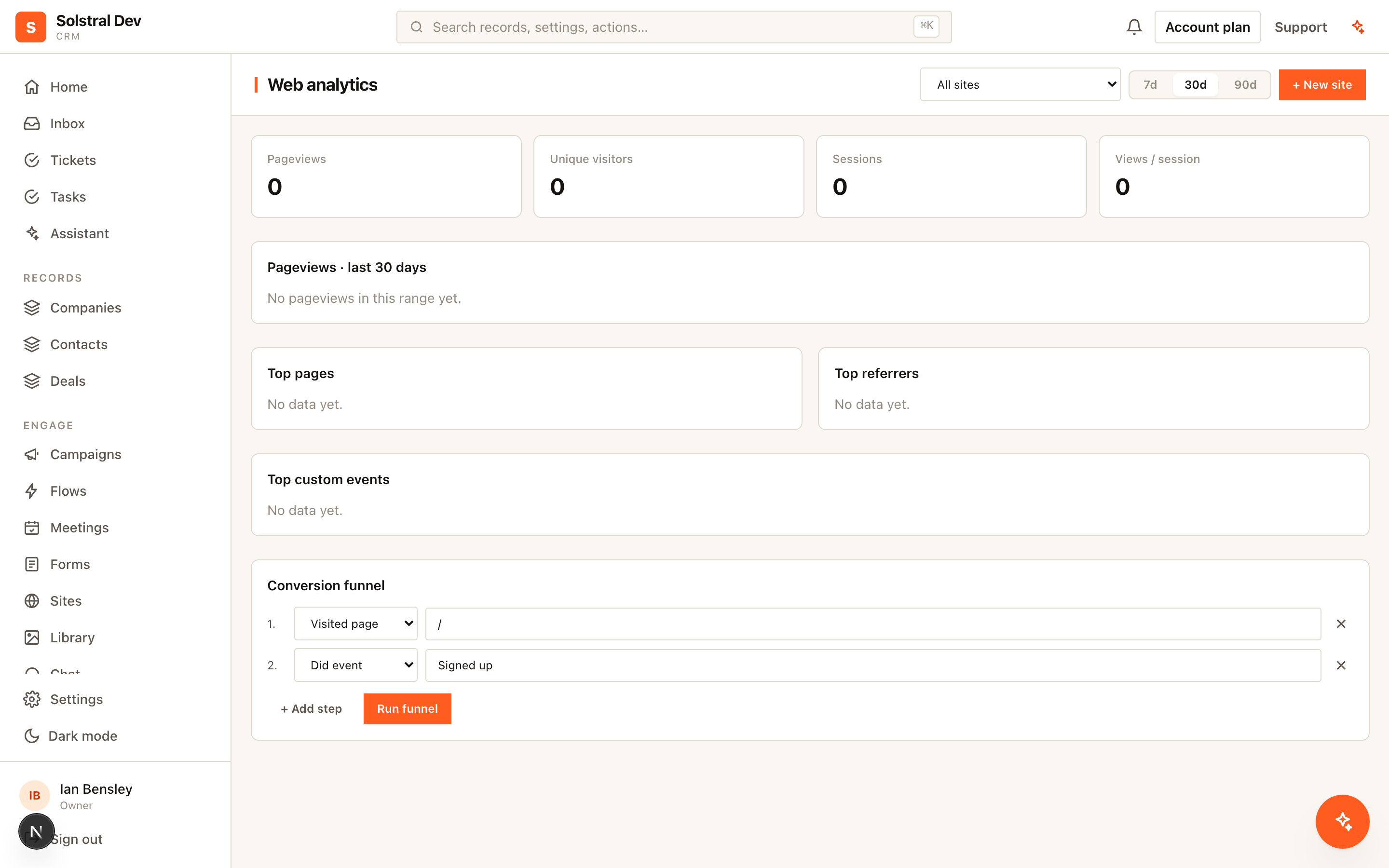
Solstral's web analytics are first-party: the data comes from your own site to your own CRM, and the interesting part is that it connects to the people already in it.
1. Add the tracking site
An admin creates a tracking site in the workspace, which produces a site key. That key identifies your website to the platform.
2. Install the snippet
Copy the snippet shown in the dashboard and paste it into your site's <head>. If you publish your site with Solstral's website builder, this is already done for you.
The same snippet also boots your chat widget and any embedded forms, so you install one script rather than three. It is written to survive a tag manager stripping attributes, so it works through Google Tag Manager as well as direct installation.
3. Check that pageviews arrive
Load your site and watch the dashboard. Pageviews are recorded automatically, including on single-page applications where the URL changes without a full page load — a common blind spot for analytics scripts that only listen for page loads.
4. Track the events that matter
Beyond pageviews, record custom events for the actions you care about — a pricing page interaction, a video played, a download. These become the steps you can build funnels from.
5. Connect visits to people
This is the part a general-purpose analytics tool cannot do. When a visitor identifies themselves — submitting a form, starting a chat — their earlier anonymous browsing is attached to their contact record.
So instead of knowing that someone read the pricing page, you know that this lead read the pricing page three times before enquiring. That is a materially different conversation for whoever picks up the enquiry.
6. Build a funnel
Define a sequence of pages visited and events fired, and see where people drop out. Because it runs on your own first-party data, the numbers are complete rather than sampled.